|
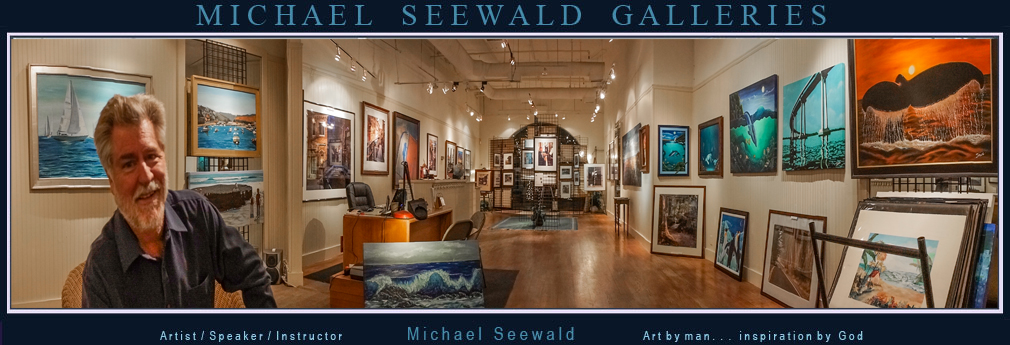
Michael Seewald
Galleries
Del Mar Plaza
1555 Camino Del
Mar, Ste. 312, Del Mar, California, 92014 USA
Phone: 858.793.3444
Open Wed. thru Sun., 2 p.m. till 8 p.m.
Friday and Saturdays till 10 p.m..
Call first if
going out of your way, we sometimes close to run errands.
© 1999,
2000, 2001, 2002, 2003, 2004, 2005, 2006, 2007, 2008, 2009, 2010,
2011, 2012, 2013, 2014, 2015, 2016 Michael Seewald.
All rights reserved.
Copyright Warning
No form of reproduction or manipulation, including copying or
saving a digital file is permitted.
Any unauthorized usage of these
images will be prosecuted to the full extent of the U.S. Copyright
Law.
ALL
of the images on this site
are copyrighted,
and are not royalty free.
These photographs are available as 'stock
images' and can be licensed for a negotiated fee.
Use of these images
is not free, and is protected by domestic and international
copyright law.
If
you wish to license any of Michael's Seewald's photographs seen on
this site,
please fill out this form.
Soli Deo Gloria |